

Connect highly-targeted audience segments to your HubSpot CRM with TickX
HubSpot is a CRM platform that helps businesses manage marketing, sales, and customer relationships in one place. With the TickX and HubSpot integration, experience providers can create and sync high-intent audiences built from real-time ticketing data and trigger automated email campaigns based on booking behaviour such as ticket purchases or add-ons.

TickX connects major ticketing systems to HubSpot















Deliver personalised HubSpot campaigns at scale and drive higher conversion rates
- Build high-performing segments using 30+ real-time ticketing filters
- Connect hyper-precise audiences to HubSpot for more advanced targeting
- Increase conversions through timely, personalised outreach
- Trigger automated email campaigns based on real booking behaviour


Audience Builder
Create high-intent HubSpot audiences using live ticketing data
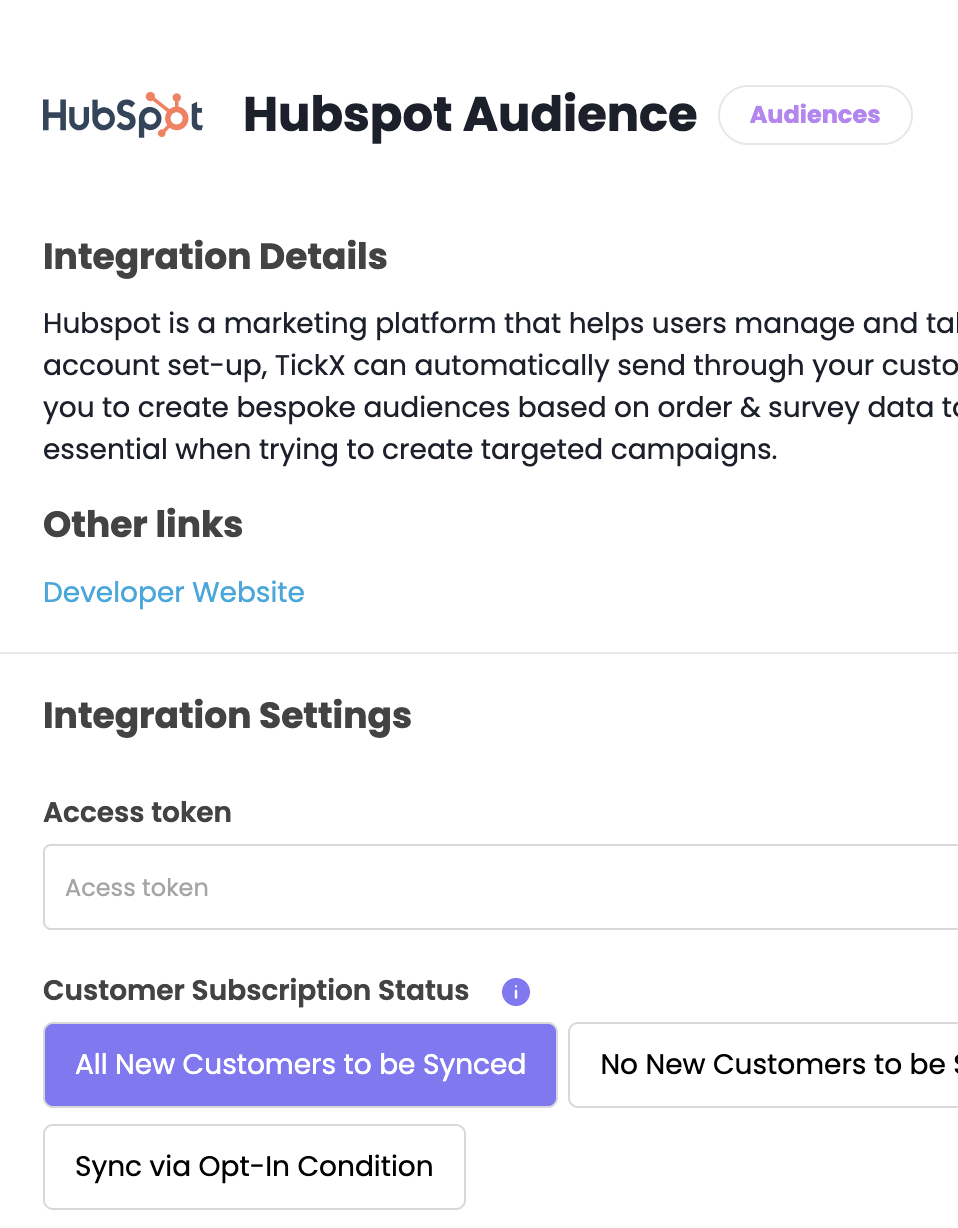
TickX's audience builder allows you to create powerful customer segments based on real-time ticket activity and automatically sync them to HubSpot.

Automate HubSpot email campaigns based on real ticketing behaviour
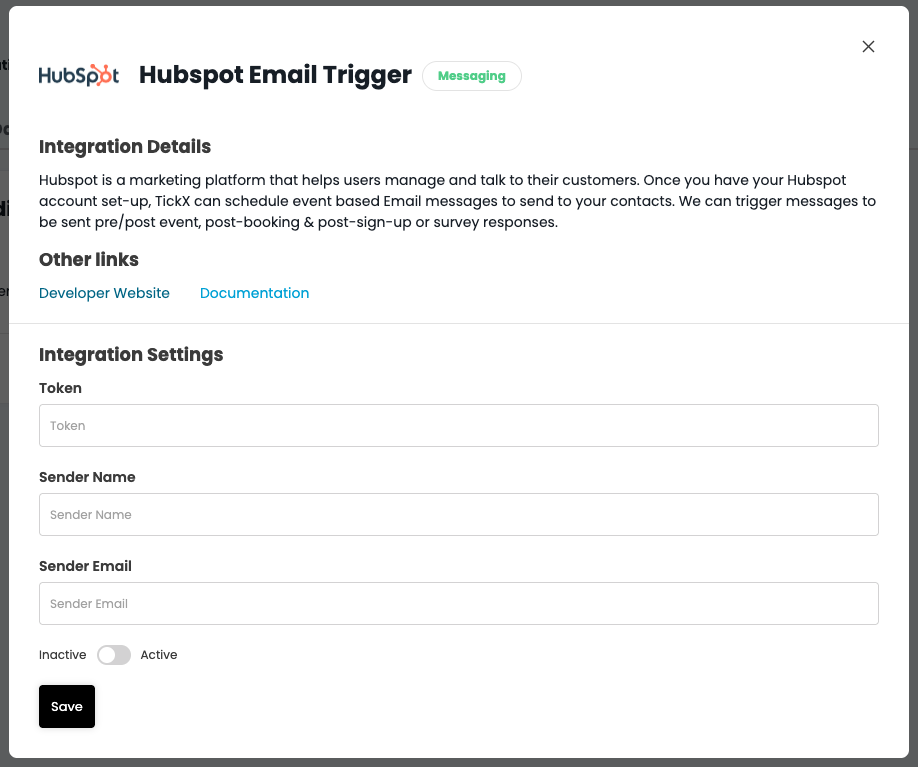
With TickX you can trigger automated email messages in HubSpot based on real customer actions.


Offer post-purchase ticket upgrades to increase revenue
Trigger automated email campaigns promoting ticket upgrades immediately after purchase to maximise order value.
Drive demand with pre-sale campaigns
Launch automated pre-sale email and email campaigns to build momentum before tickets go live and prioritise high-intent audiences.
Capture post-event reviews and customer feedback
Send automated post-event emails to collect customer feedback, helping you understand what they enjoyed and improve future experiences.
Recover abandoned ticket sales with cart abandonment through HubSpot



Explore the full list of CRM, advertising, and marketing platforms TickX integrates with






















Answers to common questions about how TickX works with HubSpot
Connect your ticketing data to HubSpot with TickX, painlessly. TickX feeds order and buyer data into HubSpot in real time, so a booking, ticket type, add-on, or abandoned checkout fires the right HubSpot email or workflow automatically. No manual list uploads, no exports; campaigns run on live ticketing behaviour, and TickX works alongside your ticketing system, not in place of it.
Is TickX a replacement for HubSpot?
No. You continue designing and managing campaigns directly in HubSpot. TickX enhances your automation process by ensuring those campaigns are triggered by the right booking behaviours, enabling more timely and personalised email communications.
What does the TickX and HubSpot integration do?
The TickX and HubSpot integration allows you to build highly targeted audience segments using real-time ticketing data and sync those audiences directly to HubSpot. Marketers can create hyper-precise segments based on 30+ ticketing filters such as ticket type, visit frequency, or order value. The integration also enables automated email campaigns triggered by key booking activities, such as completed purchases, add-on purchases, or event attendance.
Can I automate email campaigns in HubSpot based on buyer behaviour?
Yes. TickX enables behaviour-based triggers that automatically send email campaigns in HubSpot based on real booking activity. This includes post-purchase confirmations, pre-event reminders, abandoned booking recovery, and post-event follow-ups.
How do the audience builder and HubSpot email triggers work together?
You can create highly targeted audience segments using TickX’s audience builder and sync those segments directly to HubSpot for more personalised campaigns. For example, you might create segments for VIP customers, family visitors, or price-conscious buyers based on ticket purchases and behaviour. You can then trigger Hubspot emails for specific segments to deliver more relevant messaging.
Do I need technical expertise to set up HubSpot email triggers?
No technical expertise is required to set up HubSpot email triggers with TickX. Marketers can easily configure automated triggers based on ticketing activity using a simple interface. Once connected, emails can automatically be sent when specific customer actions occur, such as booking tickets or attending an event.
How do automated email triggers improve marketing performance?
Automated email triggers ensure customers receive messages at the most relevant moments in their journey. By triggering emails based on real customer behaviour, such as booking tickets, attending an event, or signing up for updates, marketers can deliver more timely and personalised communication. This often leads to higher open rates and better engagement.
What kind of filters can I use to build my HubSpot audience segments?
You can build high-intent HubSpot audiences using 30+ real-time ticketing filters, including:
- Ticket type
- Visit frequency
- Booking channel
- Add-ons or upgrades purchased
- Geographic location
- Order value
What kind of event triggers can I use for automated HubSpot email campaigns?
TickX allows you to trigger automated email campaigns based on key moments in the customer journey. Current trigger types include:
- Pre-event – send know-before-you-go reminders ahead of the event
- Post-event – follow up after the event with a review request
- Post-booking – send confirmation messages or upgrade offers
- Post-purchase survey – collect feedback after a purchase
- Post-sign-up survey – reach out to a list of interested audience members
TickX feeds live order data into HubSpot in real time, so campaigns trigger on what buyers actually do.
How teams get more from HubSpot using TickX
Practical guides, case studies, and best practices for teams using HubSpot with TickX to improve marketing performance.

Use real-time ticketing data to power automated HubSpot email campaigns

Build smarter HubSpot audiences using 30+ data-backed filters
See how to turn ticketing data into high-performing HubSpot campaigns