Quick answer
Key takeaways
- Event marketers don't have an email problem. They have a data synchronisation problem between their ticketing system and their CRM.
- Real-time ticketing CRM integration replaces the weekly export-clean-upload ritual with triggers that fire the moment customer behaviour warrants action.
- Four high-impact triggers to launch first: pre-event reminders, post-visit surveys, review requests, and adaptive cart recovery (around 20% conversion on recovered carts).
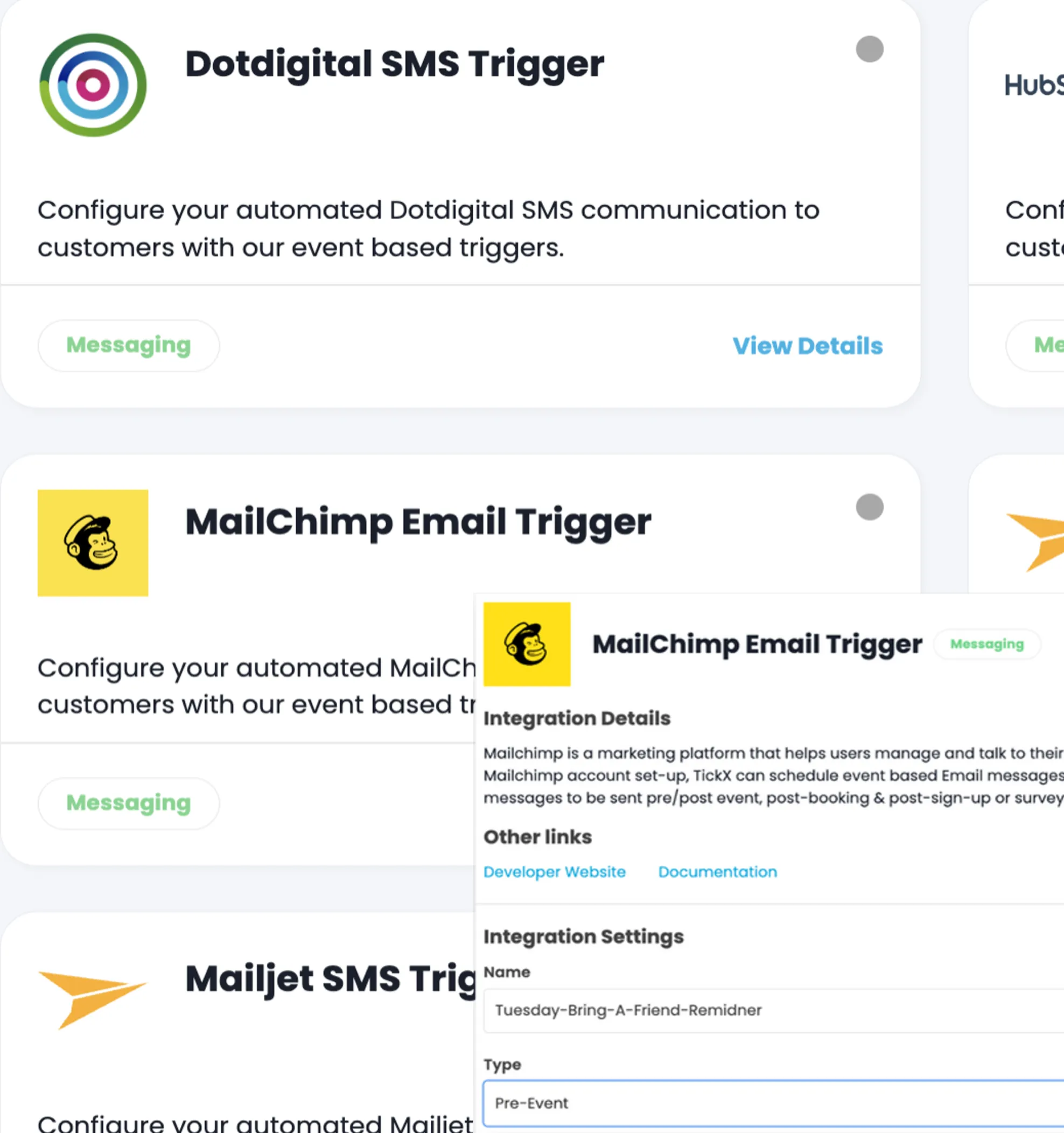
- IQ works with the CRM and email tools you already run, including HubSpot, Klaviyo, Mailchimp, Dotdigital, Iterable, and 60+ other platforms.
- Hours saved from list work get reinvested into experimentation, attribution analysis, and strategy, the work your marketing team was actually hired to do.
Every event marketer knows the drill. It's Tuesday morning. You need to send a pre-event reminder to everyone attending Saturday's show. So you log into your ticketing platform, export a CSV, clean the columns, re-upload it to your CRM, build the segment, double-check the filters, and finally schedule the send. Two hours gone. And by Thursday, that list is already stale because new bookings came in overnight.
This is the quiet tax on event marketing teams. Not the creative work. Not the strategy. The list pulls. The exports. The cleanup. The manual bridge between your ticketing system and your CRM that somebody has to walk across every single time you want to send an email.
There's a better way to run this, and it doesn't involve switching your CRM or learning a new email platform. It involves closing the gap between your ticketing data and your marketing stack so your campaigns trigger themselves.
Why does manual list-uploading break event email marketing?
Lists go stale the second they’re exported. By the time the campaign sends, customers have already booked, refunded, or upgraded, so the message is wrong and the conversion rate falls. The problem isn’t the email tool; it’s the data gap between ticketing and the CRM.
Marketers don't have an email problem. Your templates are fine. Your CRM works. Your team knows how to write a decent subject line.
What you have is a data synchronisation problem. The richest customer data your business generates, who bought what, when they're attending, what add-ons they chose, which channel they came through, lives inside your ticketing system. Your CRM, where the actual sending happens, has almost none of it. So every campaign starts with a manual bridge: export, clean, upload, segment, send. Repeat for the next show. Repeat for the post-event survey. Repeat for the cart recovery push.
The cost isn't just the hours. It's the campaigns you never send because the list work isn't worth it. The abandoned cart emails that go out 48 hours late. The post-event survey that never fires because nobody exported the attendee list on Monday. The review request that would have driven ten new Google reviews if it had just gone out automatically the day after the event.
What changes when your ticketing CRM integration runs in real time?
Campaigns trigger off the actual purchase event the moment it clears, so reminders, upsells, and re-engagement land at the right moment in the customer’s journey. The marketing team stops chasing lists and starts setting rules.
Real ticketing CRM integration means your CRM sees booking behaviour the moment it happens. Someone buys a VIP ticket for next Saturday, they're in the VIP segment by the time you finish your coffee. Someone abandons a cart with two family passes in it, they're enrolled in the cart recovery trigger within minutes. Someone attended last weekend's show, they're already queued for the post-visit survey.
No exports. No uploads. No Tuesday morning ritual.
This is what event marketing automation actually looks like when it's done properly. Not a separate platform you have to build campaigns inside of, but a layer of intelligence that feeds your existing CRM with live data so your existing templates can do more work, more often, without more manual effort from your team.
Your CRM keeps sending the emails. You keep owning the templates, the brand, the approvals. What changes is the timing and the targeting, both of which move from "whenever someone gets around to the list pull" to "the exact moment the customer behaviour warrants it."
What are the four triggered email campaigns every experience marketer should run?
Pre-event reminders that prep customers for the day of, post-purchase upsell offers for upgrades and add-ons, post-event surveys that double as lookalike-audience seeds, and lapsed-buyer re-engagement that turns one-time purchasers into repeat ones. Each is wired to a real ticketing event, not a spreadsheet upload.
Once your ticketing data is flowing into your CRM in real time, the question stops being "what can I send?" and starts being "what should I automate first?" Here are the four campaigns that consistently drive the most revenue and customer lifetime value for event, attraction, and experience businesses.
1. Know Before You Go
The pre-event reminder is the most overlooked revenue lever in the industry. Done well, it cuts no-shows, lifts on-site spend, and turns a ticket purchase into a better guest experience. Done badly, it's a generic email that goes out at the wrong time to the wrong people.
With triggered email campaigns for events, you can personalise based on the actual event date, ticket type, and any add-ons the guest purchased. Someone with a VIP ticket gets different arrival instructions than someone with a general admission ticket. A family with a parking add-on gets different information than a solo attendee taking transit. The reminder fires 24 or 48 hours before the event, automatically, based on the actual booking.
The "so what": fewer support tickets on event day, fewer no-shows, more add-on sales in the 48 hours before the event when urgency peaks.
2. Post-Visit Survey
The window for capturing feedback closes fast. If your survey goes out a week after the event, response rates drop off a cliff. If it goes out the morning after, while the experience is still fresh, you get signal you can actually act on.
This is a trigger that's almost impossible to run manually at scale. You'd need to pull yesterday's attendee list every single morning. With automated audience segmentation for ticketing, the trigger fires the day after attendance, every day, without anyone touching a spreadsheet. Response rates climb, and the feedback you collect is attached to the actual ticket type and experience the guest had, which makes it usable for operations, not just marketing.
3. Google Review Request
Every experience business undersells how important reviews are to new customer acquisition. Your next buyer is reading the last ten reviews you received. If those reviews are old or thin, your conversion rate on paid traffic drops.
A triggered review request, sent two or three days after a guest's visit, is one of the highest-ROI automations you can build. It's short. It's personal. It asks people to share their experience while the memory is warm. And because it's triggered automatically off attendance data, you're not cherry-picking who gets asked. You're asking everyone, consistently, which is what compounds.
4. Adaptive Cart Recovery
This is where abandoned cart emails for ticket sales earn their keep. Ticket purchases are high-intent but also high-friction. People abandon carts because the phone rang, because they wanted to check a date with their partner, because the kid needed something. They didn't abandon because they didn't want to buy.
A good cart recovery trigger sends a reminder within an hour, referencing the exact event, date, and ticket type they were looking at. Not a generic "you left something behind." A specific "you were booking Saturday's 7pm show for four people." Event-specific, behaviour-matched, and timed to when the buyer is still likely to be in decision mode.
For most of our customers, this single automation recovers around 20% of abandoned carts. That's revenue that was already lost on paper.
How does triggered campaign automation actually work behind the scenes?
Your ticketing system fires events for purchases, refunds, upgrades, and check-ins. A real-time integration layer (TickX IQ does this) maps those events to triggers in your email or CRM tool. The customer receives the right message because the rule fired the moment the event happened.
Here's the part most marketers appreciate once they see it running. You don't have to rebuild anything. Your CRM stays your CRM. Your templates stay your templates. Your brand controls, approval flows, deliverability setup, all of it stays exactly where it is.
What IQ does is sit between your ticketing system and your marketing stack, listening for the behaviours that should trigger action and pushing the right audience into the right tool at the right moment. When someone abandons a cart, that buyer gets enrolled in your cart recovery audience in Klaviyo, Mailchimp, Dotdigital, or whichever platform you use. When someone attends an event, they get synced into the post-visit audience. When someone buys a specific ticket type for a specific date, they join the corresponding pre-event reminder segment.
This works across 60+ marketing and ticketing integrations because experience businesses run on different stacks, and no two marketing teams want the same tools. Whether your CRM is HubSpot, Salesforce, Klaviyo, Mailchimp, Iterable, Dotdigital, SendGrid, or something else, the pattern is the same: real ticketing data flows in, automated triggers fire out, your team stops doing manual list work.
What does this free up your marketing team to actually do?
Less time on weekly list pulls, segment exports, and one-off send schedules. More time on campaign strategy, creative work, and the analysis that turns good campaigns into compounding ones. The grunt-work is the part the integration eliminates.
The honest answer to "why automate this" isn't the hours saved. It's what you do with those hours.
When your team isn't pulling lists every Tuesday, they're running experiments on subject lines. They're building the second and third trigger you haven't had time to launch. They're looking at ticket sales attribution inside your CRM and figuring out which campaigns actually convert, so you can double down. They're doing the strategic work you hired them to do, not the CSV work you didn't.
That's the real shift. From a team that's perpetually behind on list work to a team that's perpetually ahead on campaign performance. From campaigns that go out when somebody has time to campaigns that go out when the customer is ready to buy. From ticketing data sitting unused in your booking system to ticketing data driving every email your CRM sends.
Where do you start with triggered ticket marketing?
Pick the highest-leverage campaign first: usually a pre-event reminder or a post-purchase upsell, both of which produce measurable revenue lift inside a single event cycle. Wire it to a single trigger, prove the lift, then layer in the next campaign rather than rebuilding everything at once.
If you're doing manual list uploads today, the single highest-leverage change you can make is connecting your ticketing data to your CRM so it syncs in real time. Start there. Then layer in your first trigger, which for most customers is either cart recovery (fastest revenue impact) or pre-event reminders (fastest customer experience impact).
You don't need to launch every automation on day one. You need to stop walking the manual bridge. The rest follows from there.
If you want to see how IQ connects your ticketing system to your CRM, book a demo and we'll show you exactly how it maps to the tools you already use.

Latest Articles

How to Find the Audience Segments in Your Ticketing Data (With 3 Worked Examples)

Cart Abandonment Recovery for Ticketed Events

Measuring ROI on Event Marketing: The Attribution Guide for Experience Operators